RNS.ID Payment Failed or Refund: What to Do
What to check if an RNS.ID payment failed, is pending, or needs support, with conservative notes on the official refund policy.
We may earn a commission if you apply through this link. This site is independent and is not the official RNS.ID or Palau government site.
The short answer
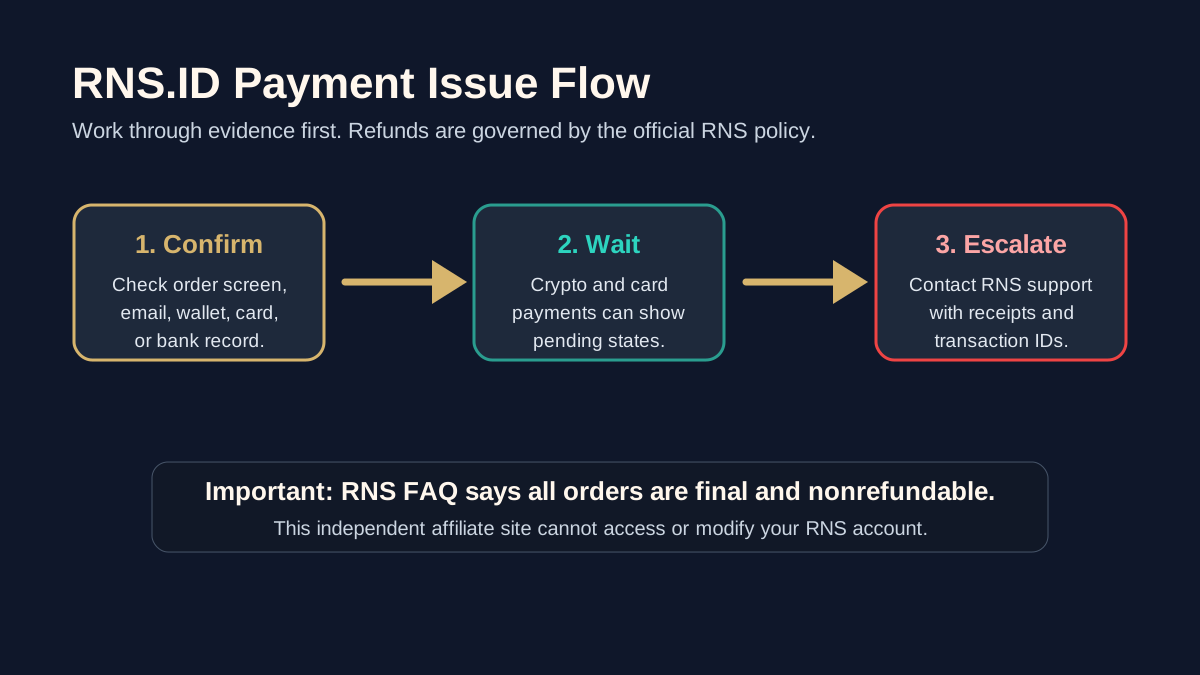
If your RNS.ID payment failed, do not immediately create a second paid order. First check whether the card, bank, crypto wallet, or RNS account shows a successful charge, pending authorization, failed transaction, or confirmed blockchain payment.
RNS says it supports credit card, debit card, and crypto payment options. RNS also says all orders are final and nonrefundable. That means payment mistakes should be handled carefully and documented before you contact official RNS support.
First, identify the payment state
Payment issues usually fall into one of four buckets:
| Payment state | What it usually means | What to do next |
|---|---|---|
| Failed | The payment method did not complete | Check the card, wallet, network, and RNS account before retrying |
| Pending | The processor or blockchain has not settled | Wait and collect transaction details |
| Charged but no order update | Payment may need account-level support | Contact RNS with evidence |
| Duplicate charge | More than one payment appears to have completed | Do not create another order; contact RNS support |
This site is independent and cannot view your RNS account, payment processor, wallet, or order status. For account-specific support, use the official RNS contact route listed in the RNS documentation.
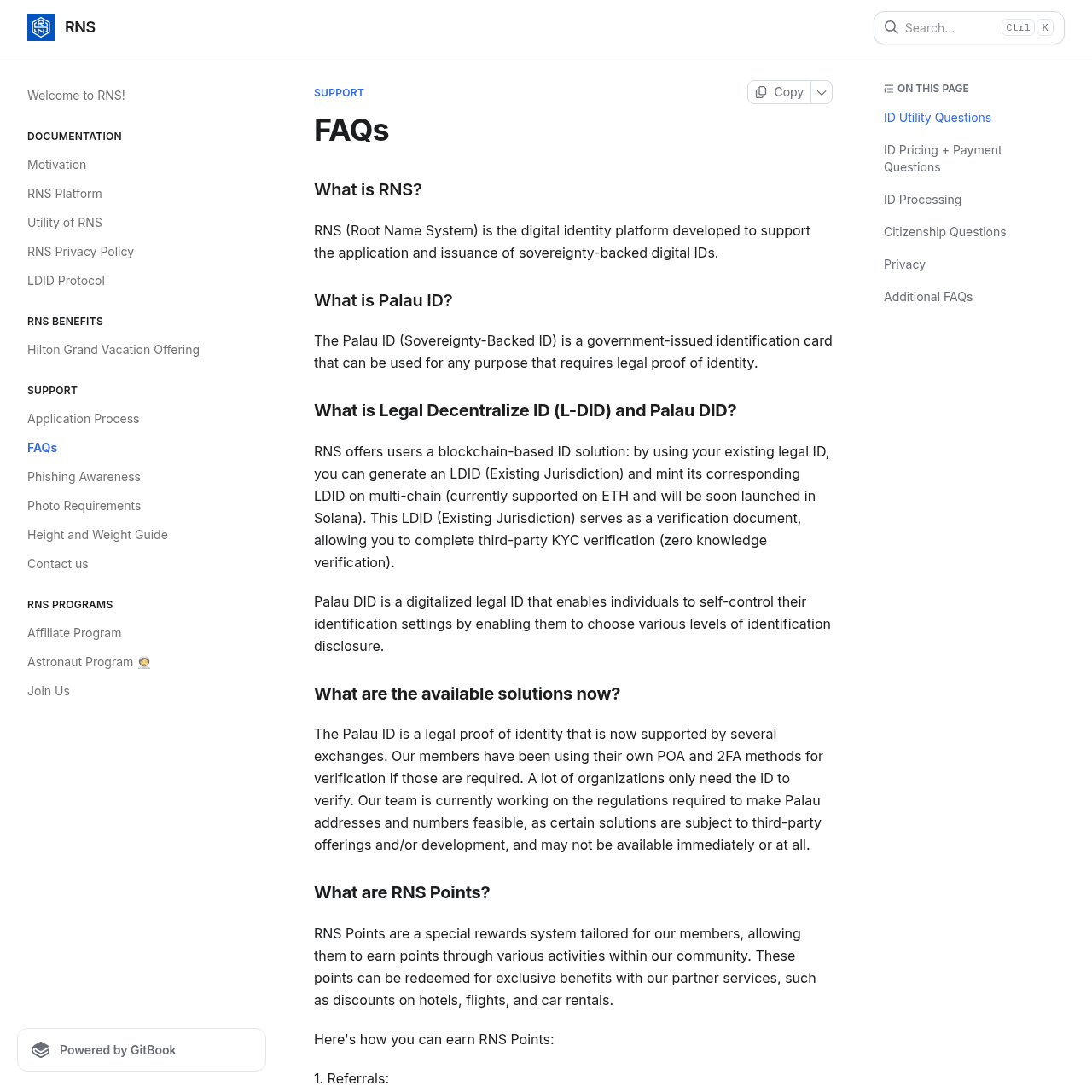
Official RNS FAQ screenshot
This Jina screenshot was captured from the RNS FAQ page, where RNS publishes payment, refund, and support guidance.
What RNS says about payment methods
RNS says the application fee can be paid by credit or debit card, or by crypto. It also lists crypto support through specific tokens and networks in the FAQ. Because payment processors and crypto rails can change, verify the current options inside the official RNS checkout before sending funds.
For crypto payments, confirm:
- The token is supported at checkout.
- The network is correct.
- The amount matches the checkout amount.
- The wallet transaction hash is saved.
- The payment deadline or checkout session is still valid.
For card payments, save:
- The RNS order or checkout reference.
- The timestamp.
- The payment method used.
- Any card processor message.
- A screenshot of the success, pending, or failed page.
Those details matter if you need support.
Refund expectations
The important line is simple: All orders are final and nonrefundable. Do not treat the RNS application fee as a refundable test purchase.
That does not mean every payment problem is impossible to fix. It means you should separate two questions:
| Question | Who controls it |
|---|---|
| Did the payment technically fail, remain pending, or duplicate? | Payment processor, wallet network, RNS support |
| Can I get a refund because I changed my mind or no longer want the product? | RNS policy |
If money left your account but the RNS order did not update, collect evidence and contact official RNS support. If you paid and later decided not to continue, read the official refund wording before assuming a refund is available.
When to contact support
Contact RNS support if:
- Your bank or wallet shows a completed payment but RNS does not show the order.
- A crypto transaction was confirmed on the correct network but the RNS account did not update.
- You see a duplicate charge.
- You cannot access the order after payment.
- RNS asks for more information and you are unsure what to provide.
RNS documentation lists chat@rns.id for support. Include receipts, transaction IDs, screenshots, the email used for the RNS account, and a concise description of what happened.
Avoid these mistakes
Do not:
- Send crypto on the wrong network.
- Retry payment repeatedly without checking whether the first attempt is pending.
- Assume a card authorization is the same as a completed charge.
- Ask this affiliate site to update your application.
- Upload sensitive payment details into random third-party forms.
- Treat unofficial social posts as RNS support.
If the issue is not payment-specific, use RNS.ID application status and support. If you are still deciding whether to apply, compare the official costs in Palau digital residency cost and the checkout-specific guidance in Palau digital residency payment guide.
Bottom line
If an RNS.ID payment failed, slow down and document the evidence before retrying. If a payment completed but the order did not update, contact official RNS support with receipts and transaction details. If you are asking about a refund after a completed order, start from the official RNS statement that all orders are final and nonrefundable.